1
Choose your beginning
Add your quit date, or another personal turning point.
Turn a meaningful start date into a number you can carry with you. DayCount gives you a calm, private way to track sober time, notice milestones, and keep your progress visible.
Download on the App Store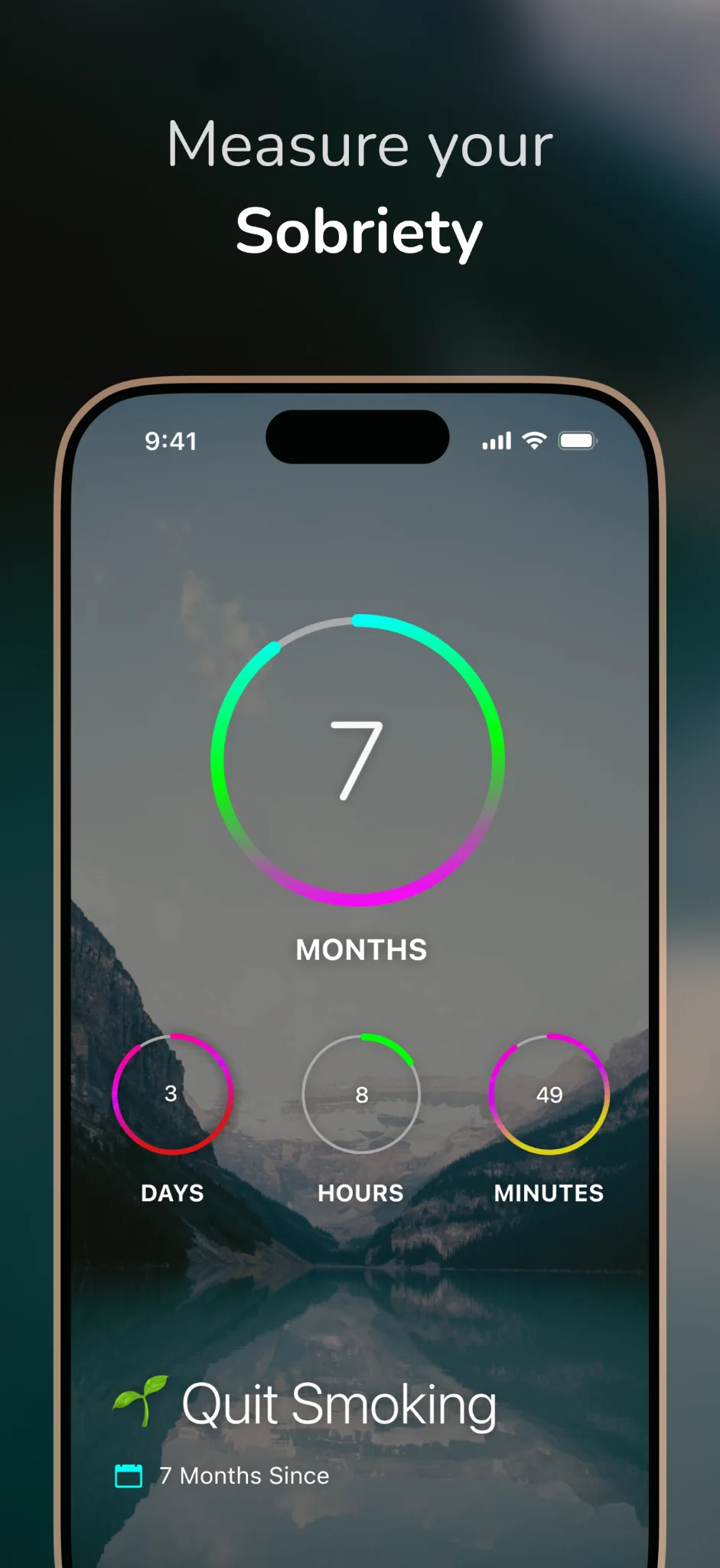
How it works
It's quick and easy to start tracking your sobriety. Add the date that matters, choose how you want to see it, and let DayCount handle the counting.
Add your quit date, or another personal turning point.
Count in your desired time unit (days, weeks, and more). Add a photo as your background, write notes, add alerts, and more. It's up to you!
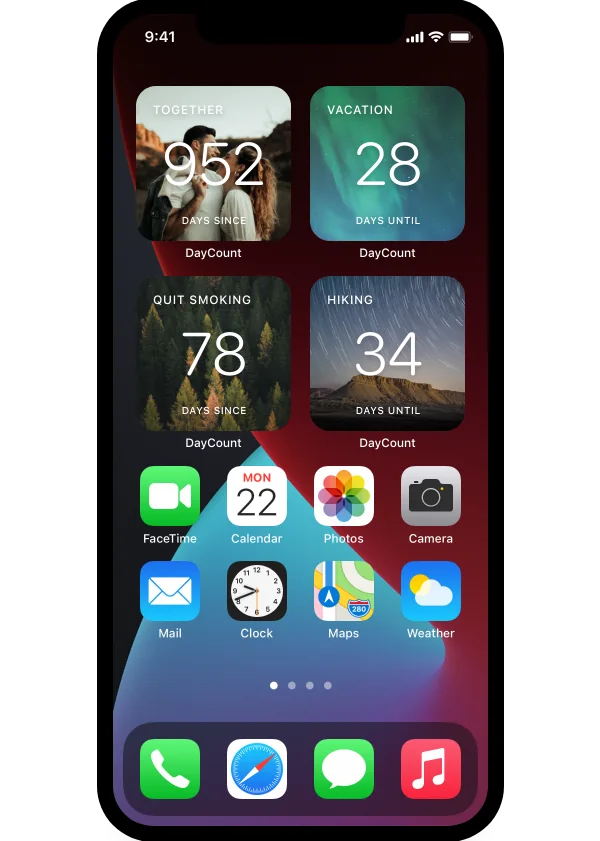
Open DayCount when you want a quiet check-in, or place a widget on your Home Screen so your progress is available without opening the app.
Why track your sobriety?
Recovery is personal and can take many forms. A counter cannot do the work for you, but it can support your progress by reminding you how far you've come.
See the time you have already invested in the choice you made.
A week, a month, 100 days, and an ordinary Tuesday can all matter. Set up alerts in DayCount to remind you in the future.
Add a note or image that brings the number back to the life behind it.
Built around your life
Your sober date may be deeply personal. DayCount gives you control over how it looks, where it appears, and how much detail you want to see.
Look at the big picture in years and months, focus on today in days, or see the exact hours and minutes. You can change units whenever you want.
Keep your count visible at a glance, with the font, photo, texture, color, and layout you choose.
Use an image that represents your reason, or keep the event minimal with a color and type treatment that feels calm.
Add biometric protection when you want your events to remain behind an extra layer of privacy.
Create notifications around the moments you want to notice, from personal checkpoints to major anniversaries.
Keep the same events on iPhone, iPad, and Mac through iCloud. Check in on the device that is already with you.
Milestones
You choose the markers that matter. DayCount keeps the time so you can decide how to acknowledge it.
There is no universal schedule for what deserves recognition. Mark the milestones that support your own path, and remember that the days between them are where progress is lived.
Recovery is highly personal and can involve different pathways, supports, and goals. If you need to reset your counter, DayCount will begin counting from there, but you've never truly lost progress.
The count can reflect your effort, but it does not define your worth. Use it as one tool among the people, care, routines, and resources that support your wellbeing.
Questions
You can count from any date that matters to you, such as when you quit smoking or drinking, or another personally meaningful change. From there, DayCount will keep track of your sober days so you can focus on living.
You control whether your count appears only inside DayCount or on a widget. Face ID can add another layer of privacy to your counters.
You can focus the display on elapsed time and choose how much detail to show. Your counter name, image, notes, units, and widget appearance are all customizable.
You can reset your counter date at any time, which will update your days sober to reflect the change.
Yes. DayCount widgets can display your sobriety counter on your iPhone or iPad Home Screen, or on your Mac desktop.
Yes. DayCount syncs counters across iPhone, iPad, and Mac.
No. DayCount tracks time from a date you choose. It does not provide diagnosis, treatment, counseling, crisis response, or medical advice, and it should not replace professional or peer support.
The core app is free to download. Some additional features are available through a one-time purchase or subscription.
DayCount is a personal time-tracking tool, not medical treatment or emergency help. If alcohol or substance use is affecting your health or safety, consider speaking with a qualified professional or someone you trust. If you are in immediate danger, contact your local emergency service.
Start a DayCount sobriety counter on iPhone, iPad, and Mac.
Download on the App Store